
Install Laravel on Laragon
If you have been using XAMPP or WAMP for hosting your PHP apps locally, it's time to try this beautiful, simple, easy, fast alternative, LARAGON.
Laragon comes pre-installed with many popular applications like Node.js, PHP, Apache, Composer, and MariaDB/MySQL.
You can download and install LARAGON here:https://laragon.org/download/
Once you have downloaded and installed LARAGON on your desktop, open the application and you will see the following screen:
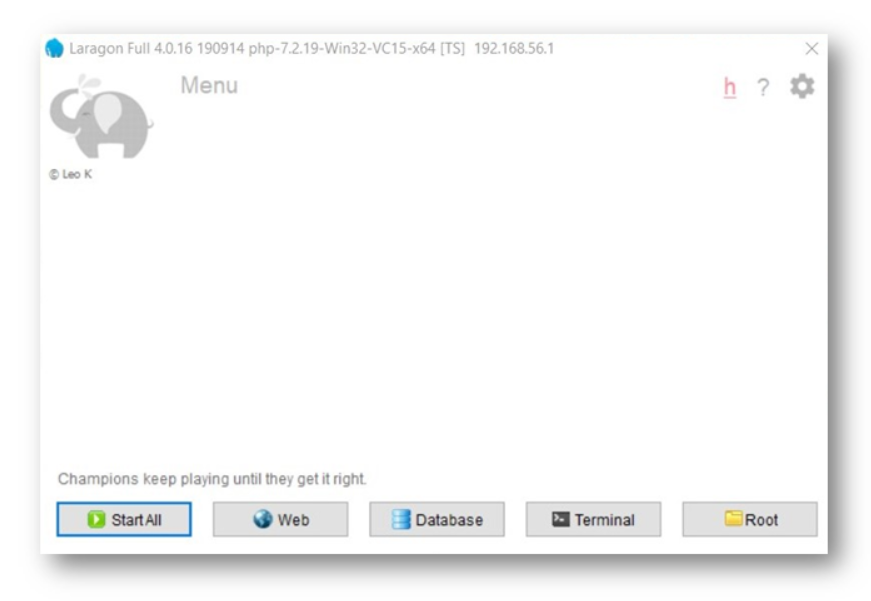
Click on 'StartAll' to start the Apache and MySql Servers.
Click on 'Web' to go to the Localhost page. Most likely you will not get any errors. If at all you do, you can get help from the LARAGON community: https://forum.laragon.org/
LARAGON comes with a built in database management software HeidiSQL but you can go ahead and install phpMyAdmin.
To install phpMyAdmin: Download phpMyadmin from its original website here https://www.phpmyadmin.net/downloads/
Extract the downloaded file to: {LARAGON_DIR}\etc\apps\phpMyAdmin
Now, you can acess phpMyAdmin at: http://localhost/phpmyadmin
Credit:https://forum.laragon.org/topic/98/tutorial-how-to-add-phpmyadmin
Hold your breath as you are about to witness the easiest and fastest installation of LARAVEL ever.
- Right click on the running LARAGON instance.
- Click on the arrow beside Quick app.
- Select Laravel(zip) option and enter a project name in the box that appears.
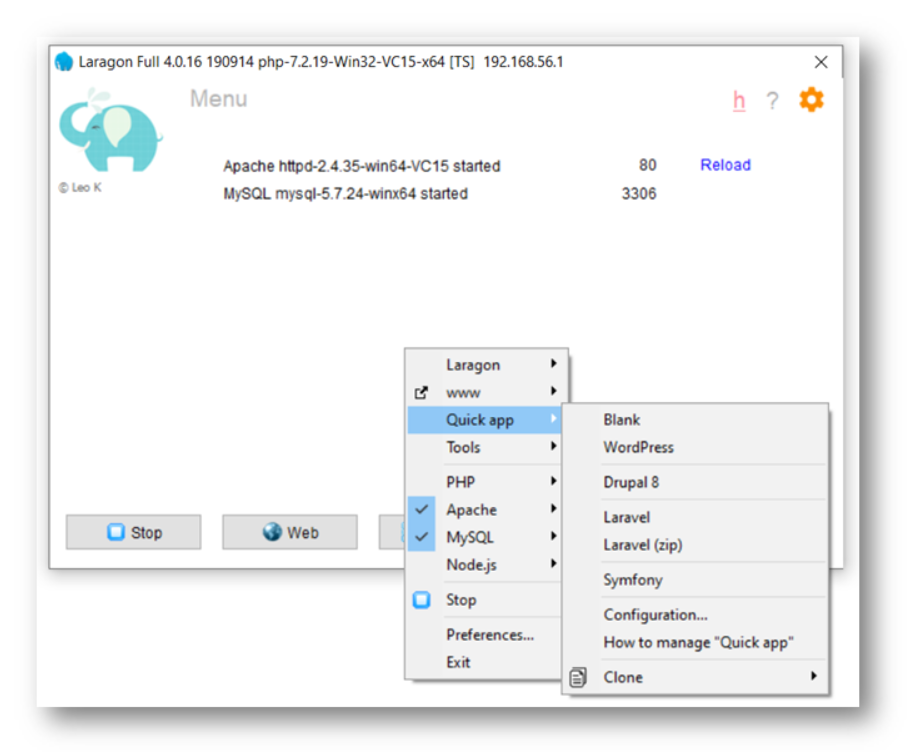
LARAGON will download and extract the LARAVEL data from github. In this process, LARAGON will automatically create a Database same as the project name and also create a pretty URL.
Here is the screenshot, where the project name is "laraproj":
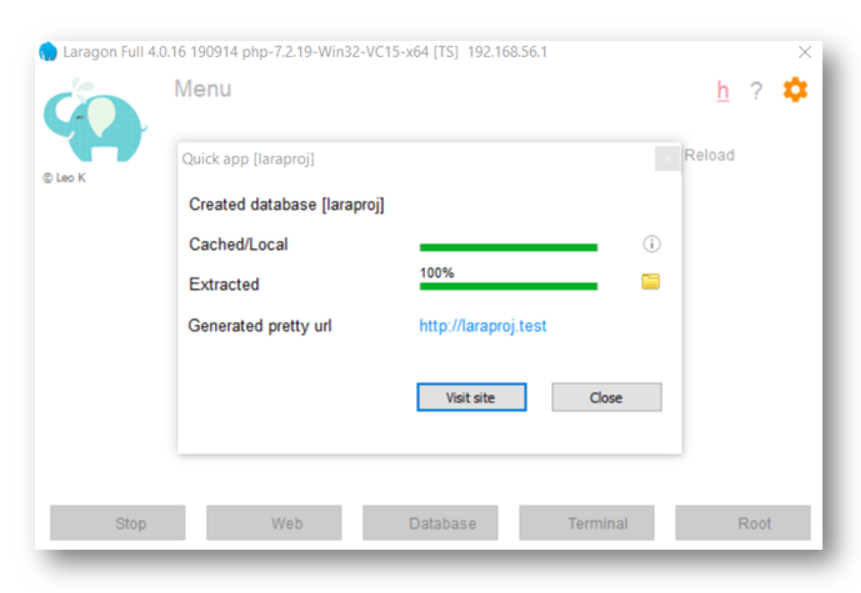
Click on the pretty URL or point your browser to the URL showing in the pop up after installation.
And...VOILA...
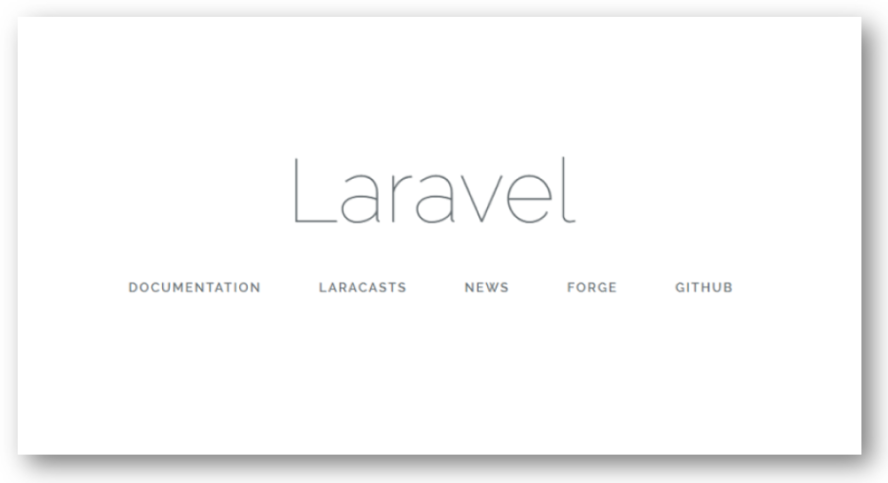
Surprisingly, LARAGON can create a LARAVEL project in LESS THAN A MINUTE if installed using the RightClick/QuickApp/Laravelzip method.
This method will install LARAVEL 5.6.X. I am using LARAGON 4.0.16 for this tutorial. Future releases may have another version of LARAVEL ZIP.
If you need the latest version of LARAVEL, under Quick App menu click on "LARAVEL" instead of "Laravel zip". This will open a terminal and automatically create the LARAVEL project using the composer method.
We have just scratched the surface of the LARAGON in this post. You can learn more about it here until my next post.
Posted in LARAVEL on Apr 04, 2020