
Laravel 7 login-register scaffolding in 6 Steps
Hi!
In my previous article we installed Laravel on Laragon in less than a minute. Now let's take this forward.
For those of you whose horses are about to run away, here are the steps(commands):
Point the terminal to the Laravel 7 projects root and run the following commands.
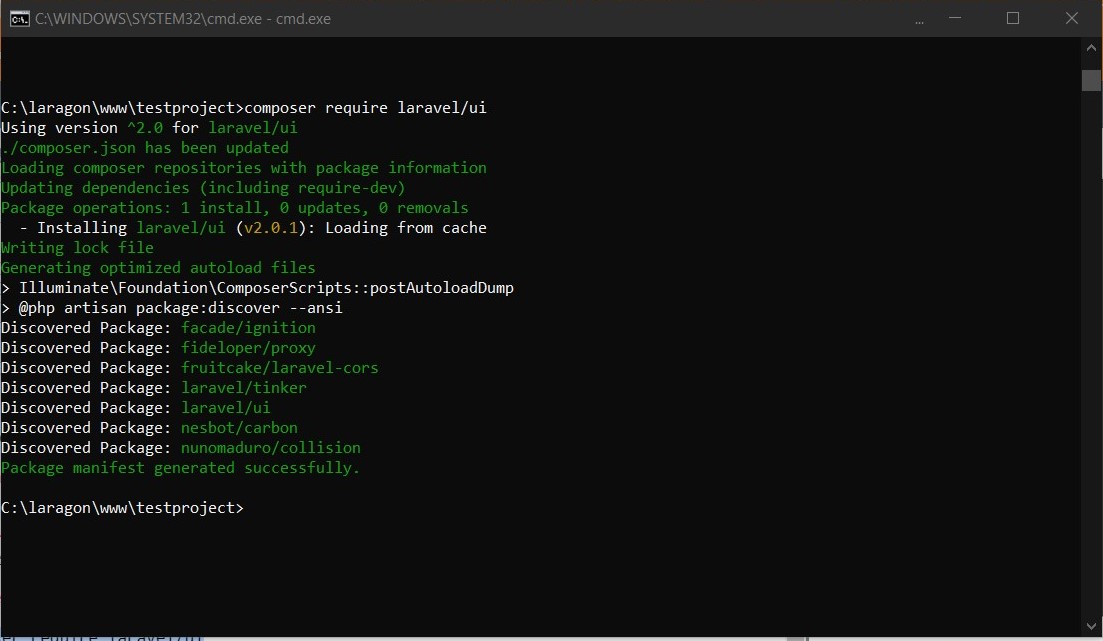
- composer require laravel/ui
- php artisan ui bootstrap --auth
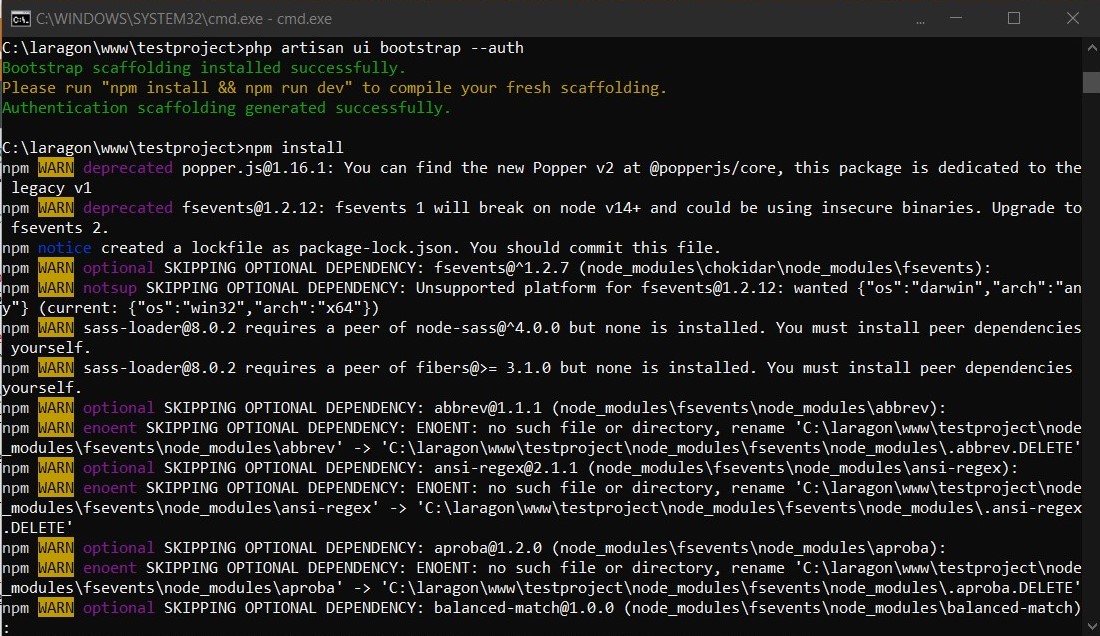
- npm install
- npm run dev
- Update Mysql database name,username and password in .env file and config/database.php file.
- php artisan migrate
Refresh laravel landing page and you will see the login and register hyperlink on the top-right hand side of the page. That's it.
For those who would like to go through the steps along with the screenshots:
If you followed the last article, you might have a functional laravel project which doesn't do much. Depending on the type of the project you may want to add login/register functionality. There are various factors we need to consider when it comes to securing a web based project. We will address the other web security measures in future articles but for now to get you started, in this article we will learn how to add the login/register functionality. By adding this, only registered users can access the content whereas unregistered users will have limited access.
What if I tell you that you can add a login functionality to your project in just 6 Steps? Yes, thats correct. Follow along..
Note: The steps are for Laravel 7.X. I will be writing another article for older version of Laravel if required.
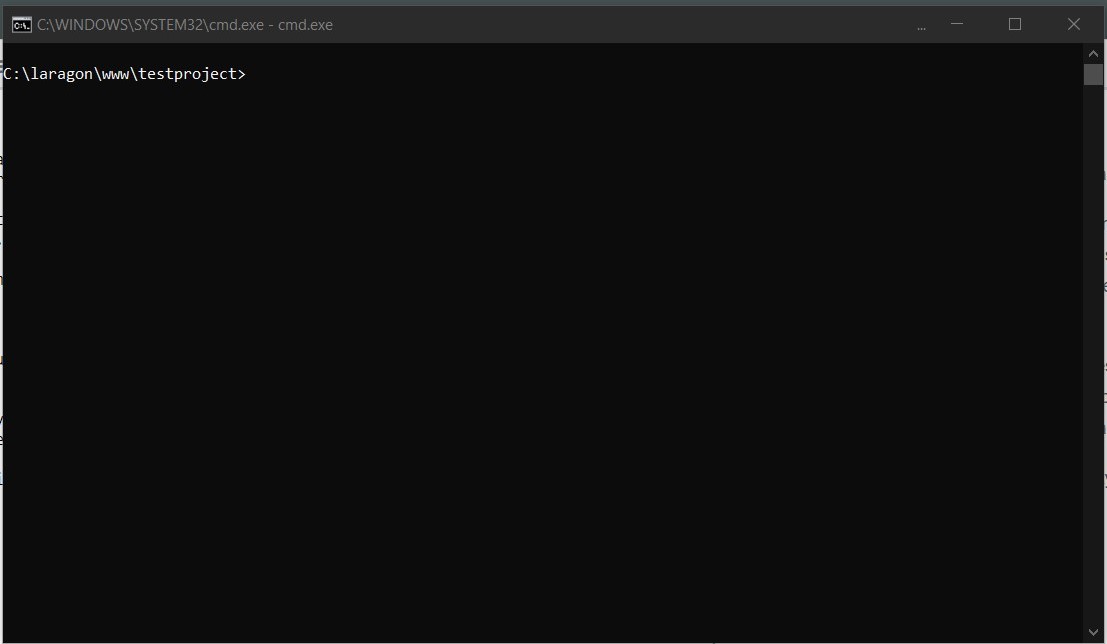
Point the terminal to your laravel project.
Enter this command in the terminal: composer require laravel/ui
This composer package includes the required bootstrap/vue scaffolding.
Enter this command in the terminal: php artisan ui bootstrap --auth
This command will add bootstrap based UI and required HTML elements for login and registration page in the project.
Laravel supports vue out of the box and if you need a vue scaffolding, you can enter this command instead:php artisan ui vue --auth I will be using a vue scaffolding in a separate article.
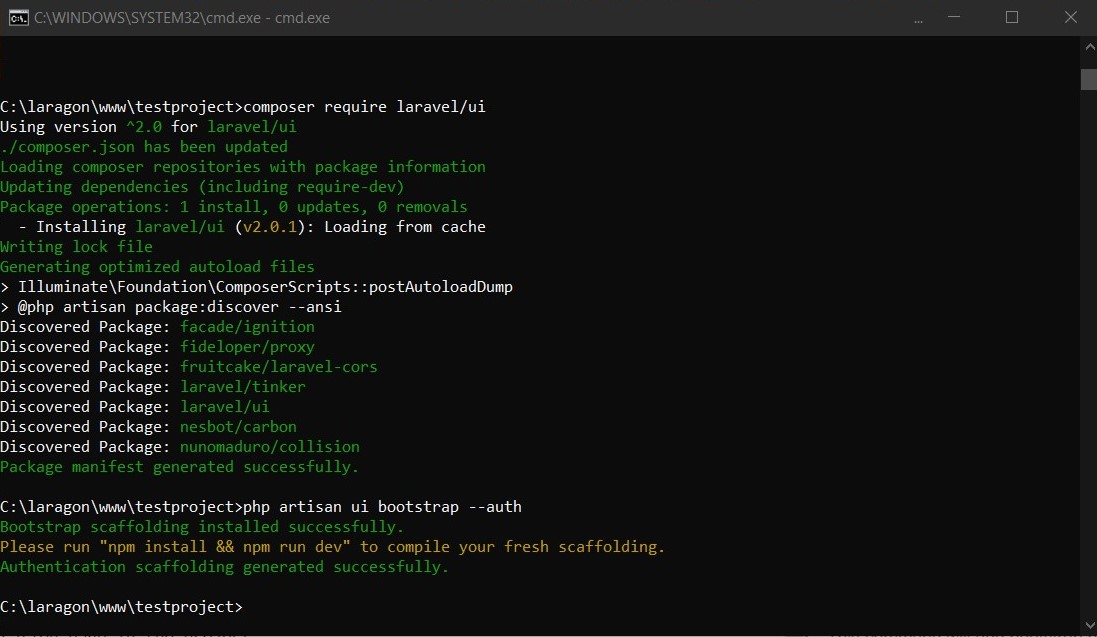
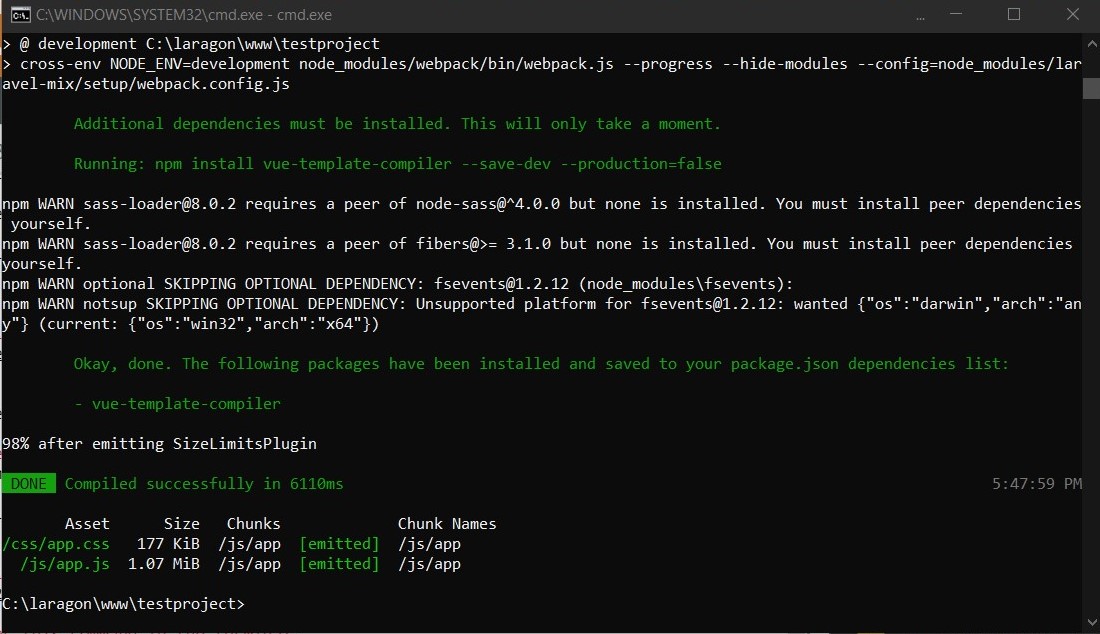
After running the artisan command terminal will prompt to run "npm install" and "npm run dev" to compile the scaffolding we just added.
Enter this command in the terminal: npm install
You might get some warnings about skipping the optional or depreciated dependancies. Don't worry and move on to the next command.
Enter this command in the terminal: npm run dev
This command will process the instructions in your webpack.mix.js file which is usually located in the public/css directory.
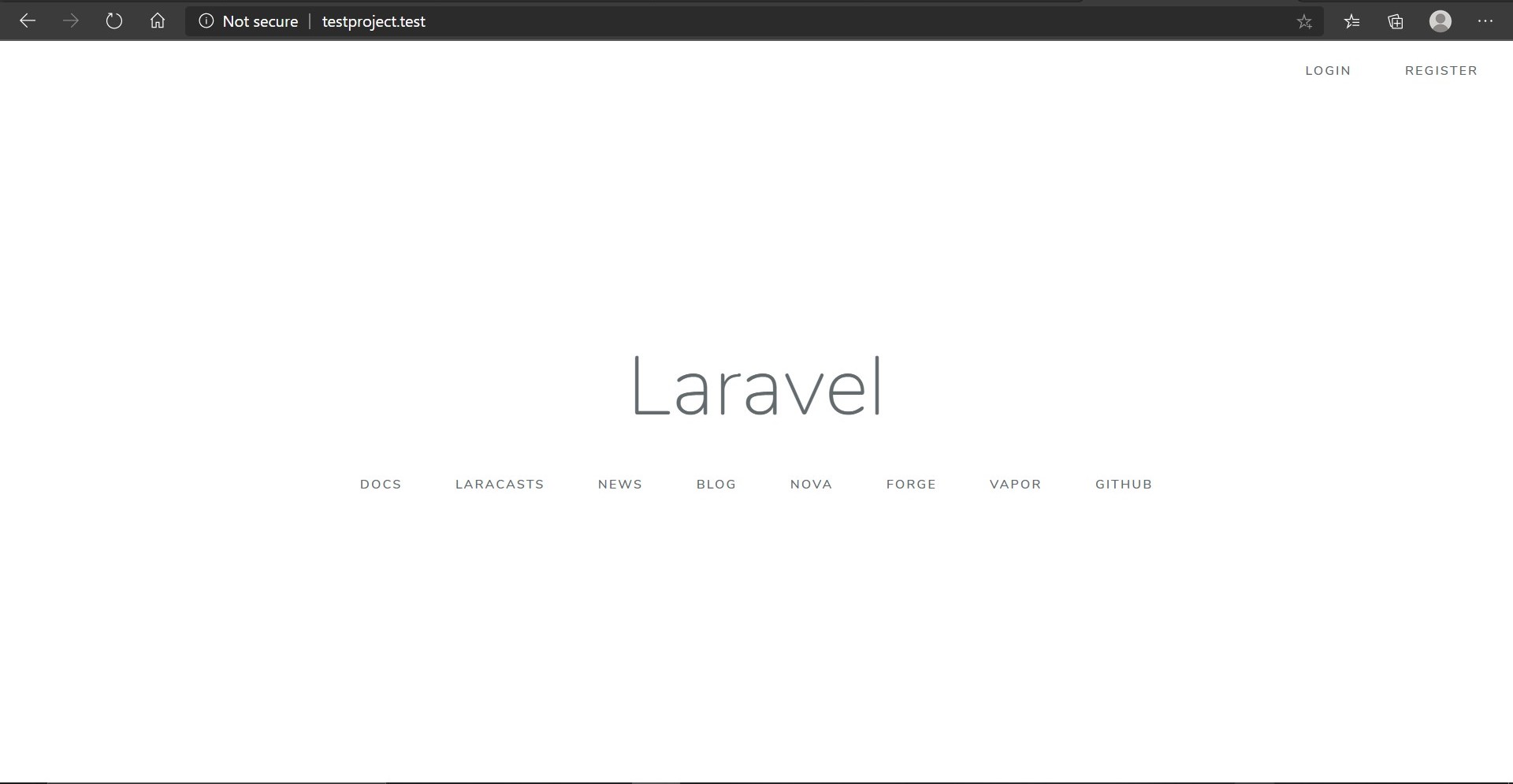
At this point, you should see a login and Register link on the top-right hand side of your laravel project.
We have not created any users yet. To create the first user, we click on the 'Register' link and create the login credentials. Go ahead and try it......you will get an error. That's because we have not created a database table to save the registered user details.
If you have used Laragon quick app to create the Laravel project like I did, Laragon has automatically created a database for you. Name of the database will be the same as the name of the project. In this article "testproject".
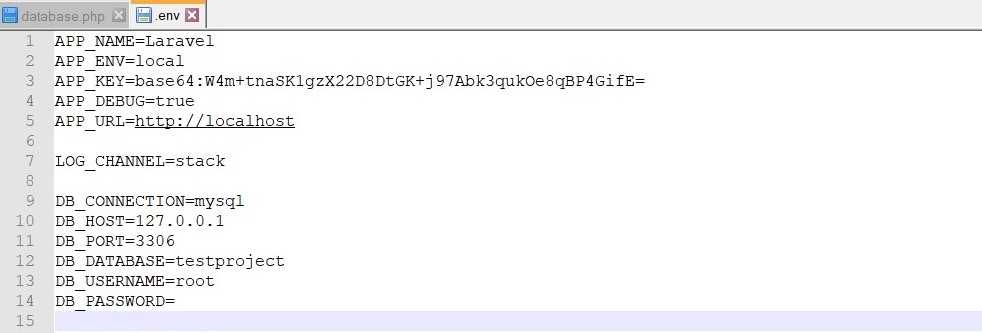
In this step we will update database name and username/password to the .env and config/database.php files.
Here are the screenshots:
.env file
config/database.php
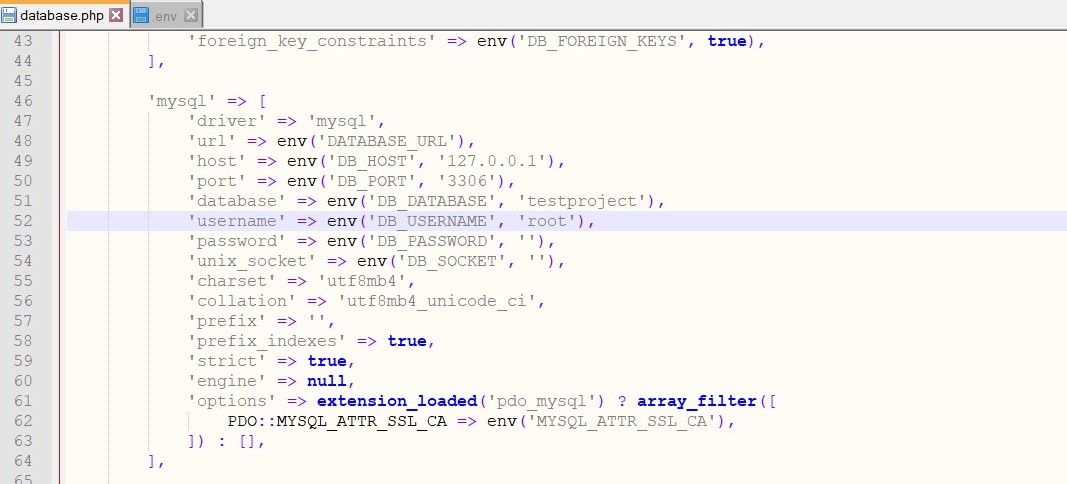
I have used "root" as the username without password just for the demonstration. While in production it is highly recommended to create a database user with a strong password and add the details to the .env and database.php files.
Once you have updated the database details run following command: php artisan migrate
This command will create the necessary database tables for basic registration and login functionality to work.
You can learn more ablout laravel migrations here: https://laravel.com/docs/7.x/migrations
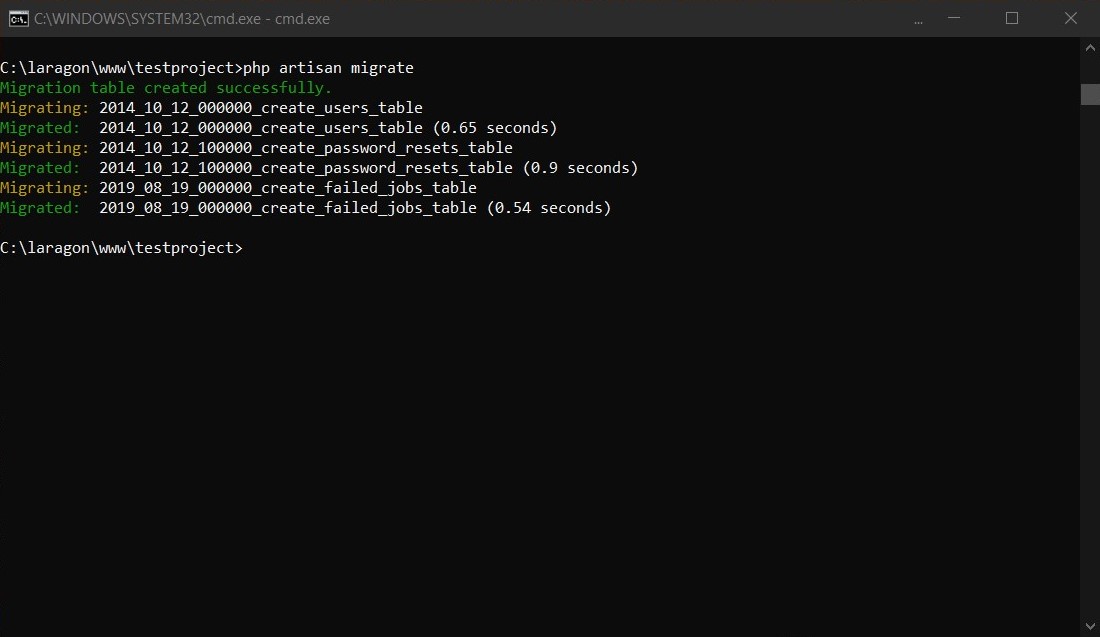
That's it. You have successfully created a fully functional Laravel bootstrap login/register scaffolding.
point your browser to http://testproject.test/register (Notice the pretty url created by Laragon)
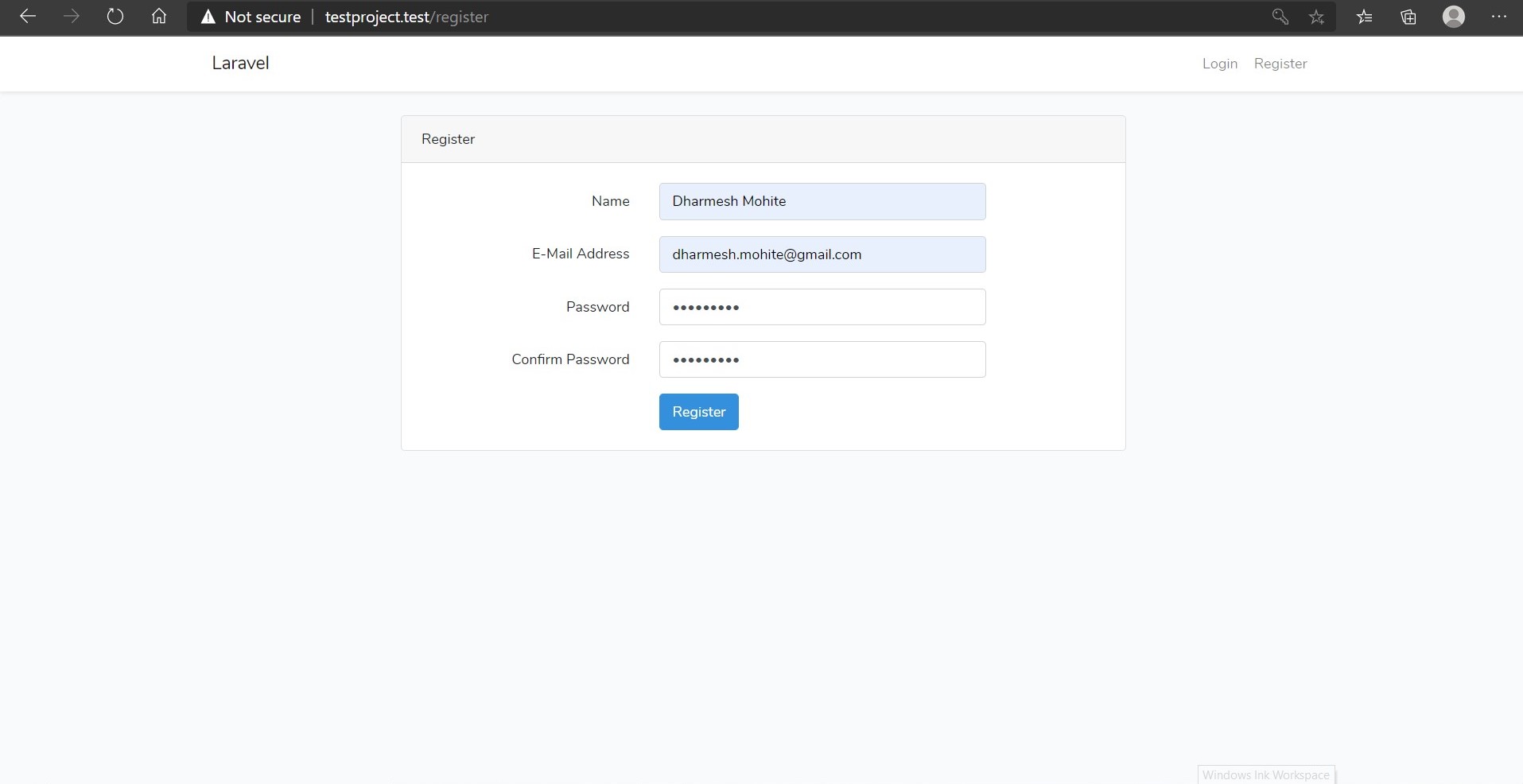
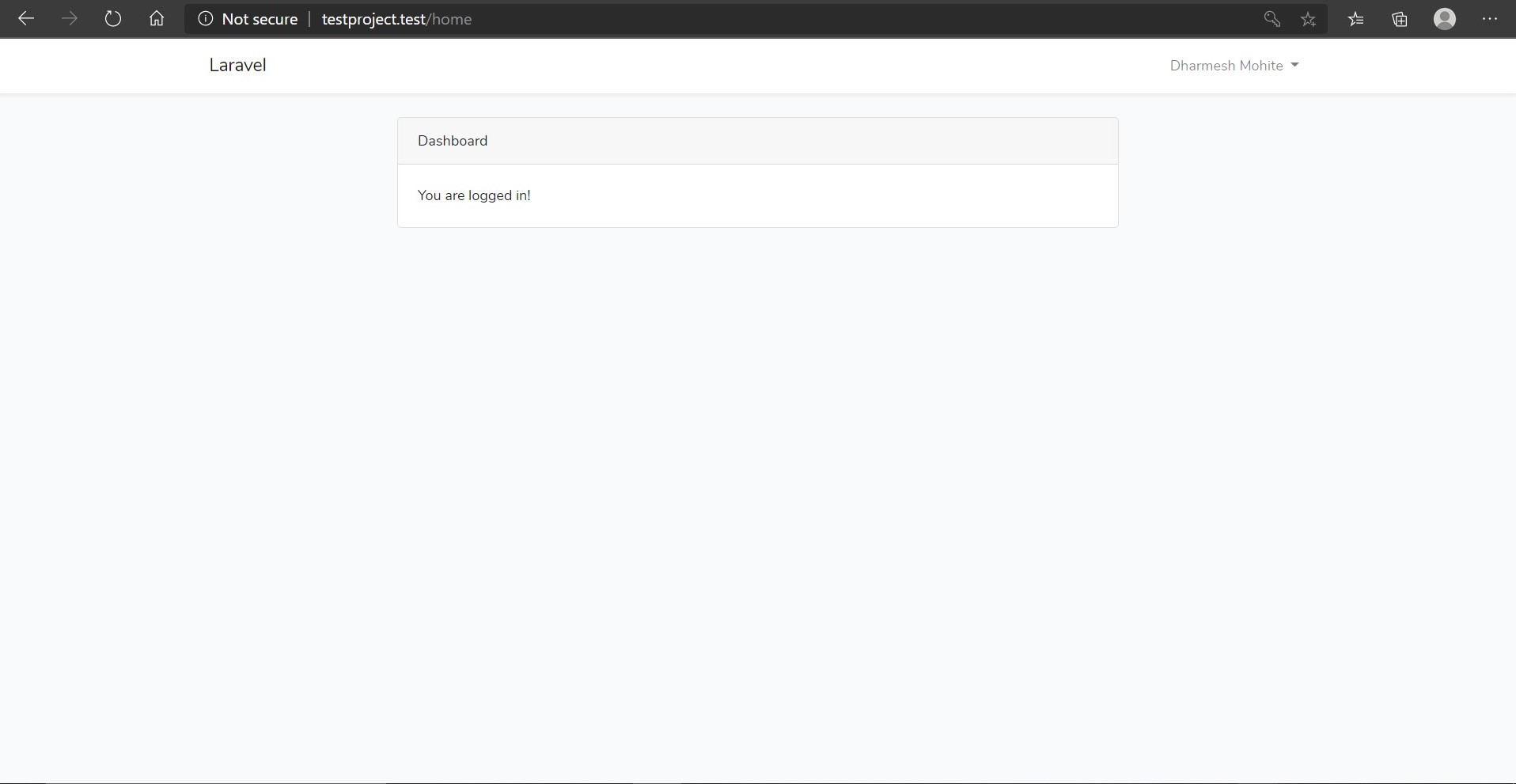
After successful registration you will be logged in:
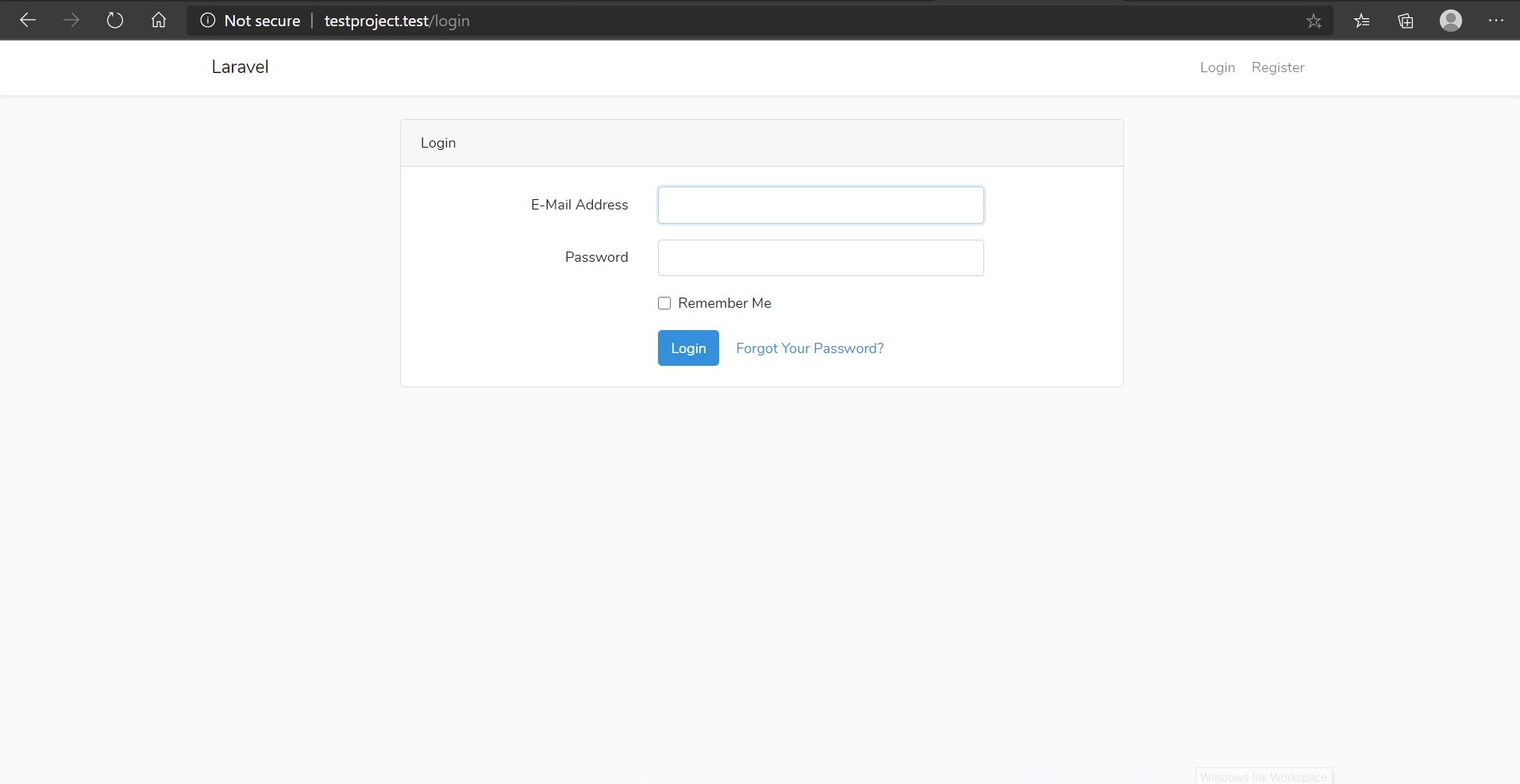
Login page:
Source: https://laravel.com/docs/7.x
You can read more about Laravel security here: https://laravel.com/docs/7.x/authentication
Special thanks to the creators of Laravel for giving us such an amazing PHP framework.
Adios!

Posted in LARAVEL on Apr 25, 2020